
Expense tracker for iPhone
Track spending in seconds.
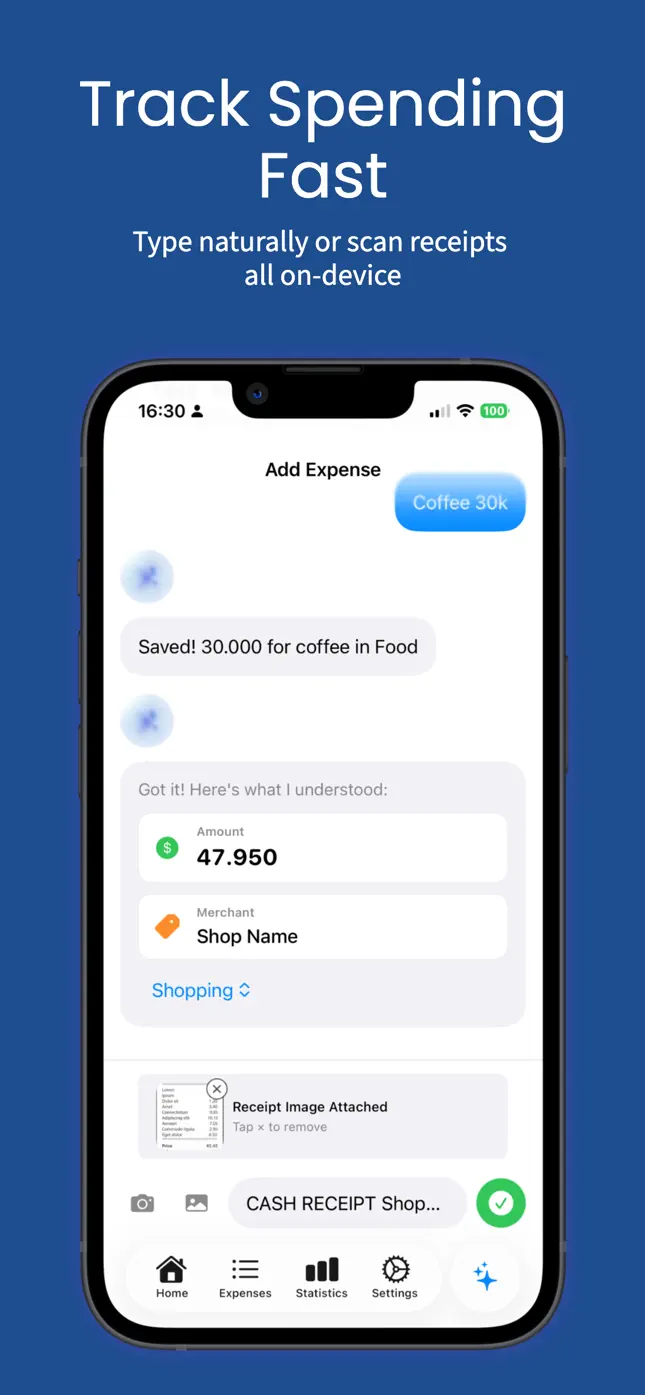
Just type “coffee 30k” or “lunch 150k yesterday” — or snap a receipt. Eta reads the amount, merchant and category for you. Private, on-device, no account.
Free 7-day trial · $0.99 one-time unlock · Requires iOS 26
A closer look
Everything you need, nothing you don't
Natural-language entry
Type it like a message — amount, merchant and date are picked up automatically.
Receipt scanning
Scan with the camera or pick a photo; text is recognized on-device.
Calendar home
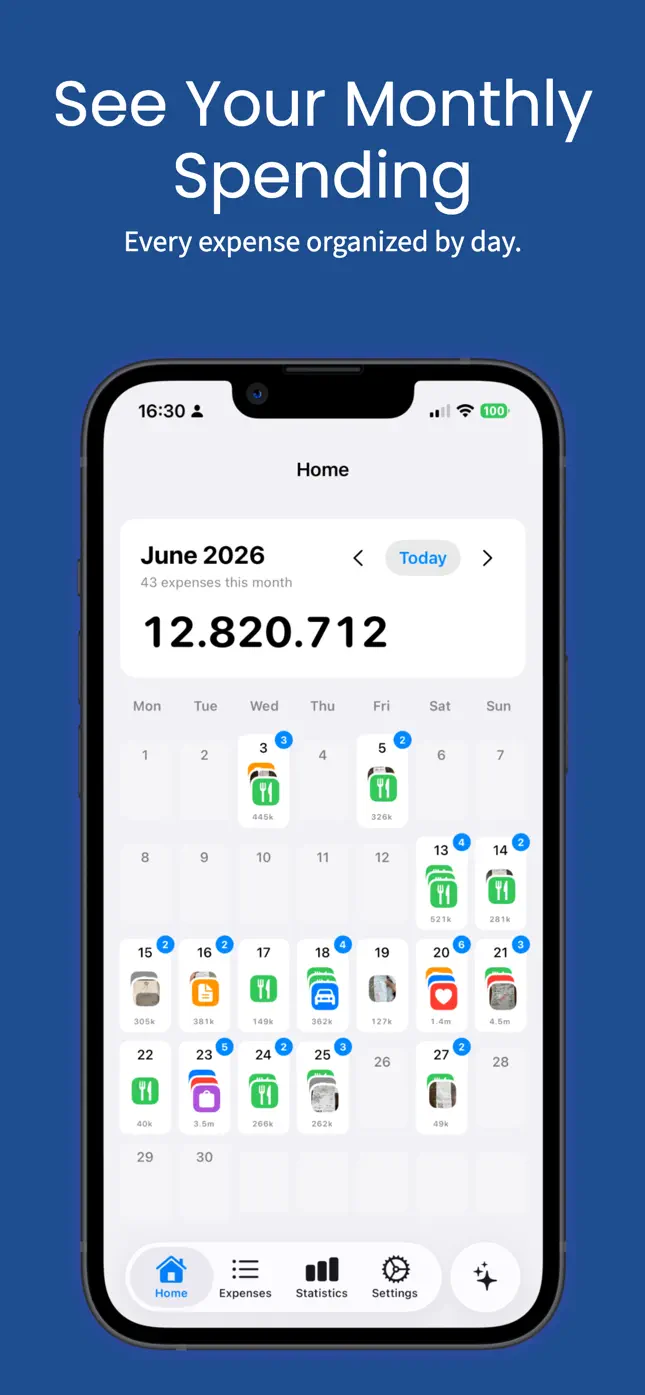
See every day of the month at a glance, expenses grouped by day.
Statistics & trends
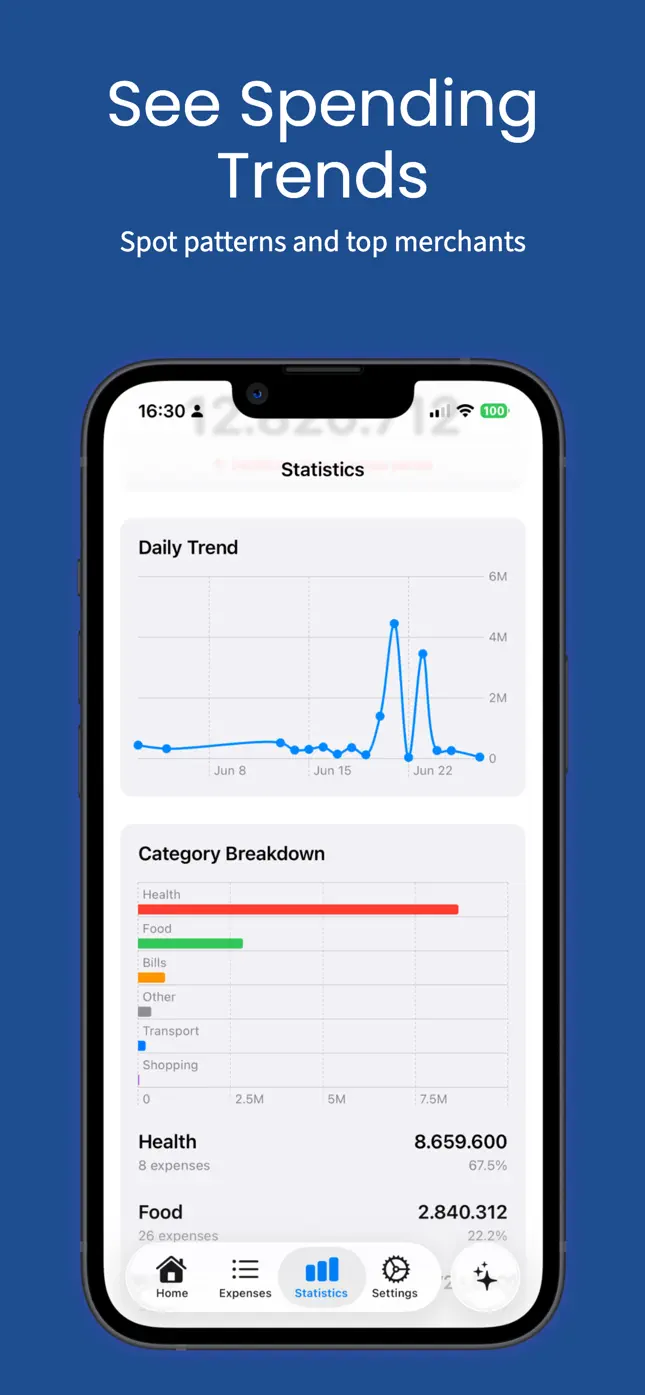
Income, spending and balance together, plus top merchants.
Budgets
Monthly budgets per category, with custom categories.
Recurring & reminders
Track subscriptions and bills, with optional reminders.
Shortcuts
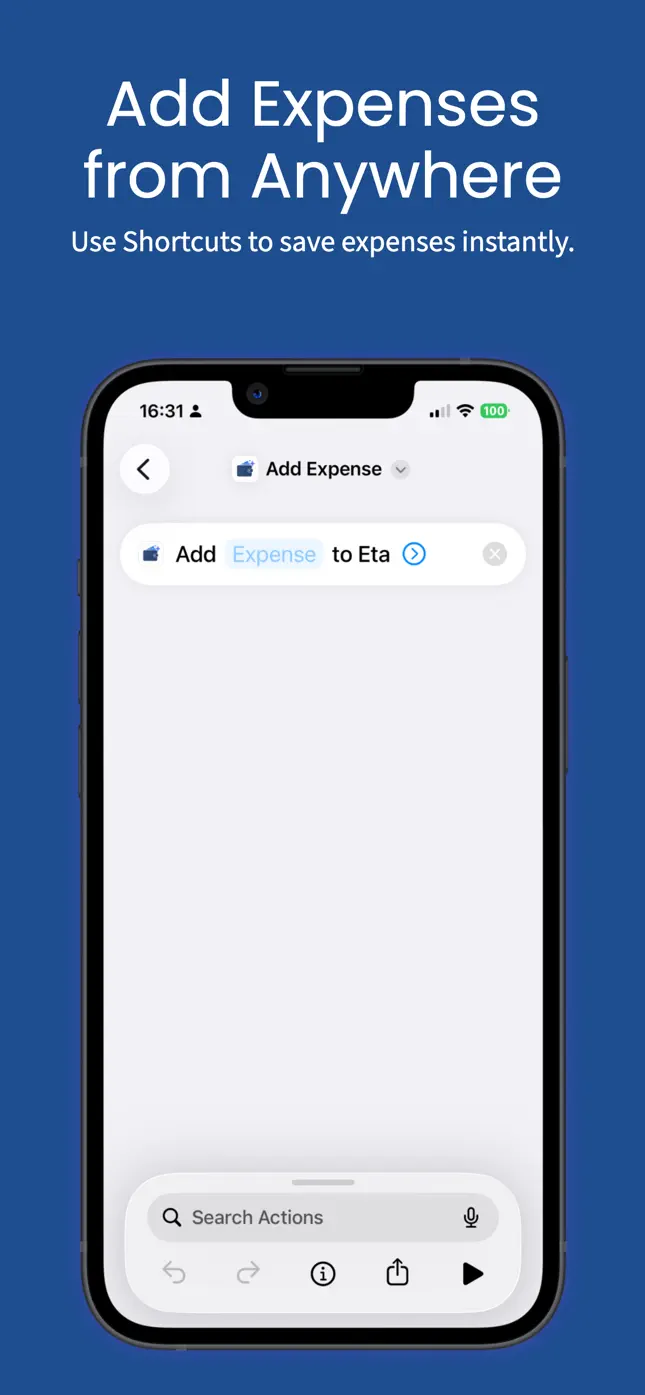
Add expenses from anywhere with Siri Shortcuts.
Export & backup
CSV export by date range, JSON backup and restore.
Available in English and Vietnamese.
Your money data stays yours.
- No account required.
- Data Not Collected — per the App Store privacy label.
- Syncs only through your private iCloud.
- Optional on-device Apple Intelligence, off by default. No third-party AI, ever.
Simple pricing
Try free for 7 days
$0.99
one-time · unlock forever
No subscription. Family Sharing supported.
FAQ
Do I need an account?
No. Eta works without sign-up; your data lives on your device.
Which devices are supported?
iPhone with iOS 26 or later. Eta also runs on Apple silicon Macs (macOS 26) and Apple Vision Pro (visionOS 26).
Does Eta send my data to AI services?
No. AI parsing is optional, uses Apple Intelligence entirely on-device, and is off by default. Without it, Eta uses local rule-based parsing.
How do I sync or back up?
Turn on iCloud to sync across your Apple devices, or export a JSON backup / CSV anytime.
What languages does Eta support?
English and Vietnamese.